Self-employed
You work alone
Free
forever
- Time entries and timer
- Clients and sites
- Photos and notes
- Monthly summary and PDF export

Nothing to install. No commitment. Free for the self-employed.
Before Pointly
With Pointly, every hour is recorded on site, as it happens.
How it works
From arriving on site to the monthly summary, everyone does their part in seconds.
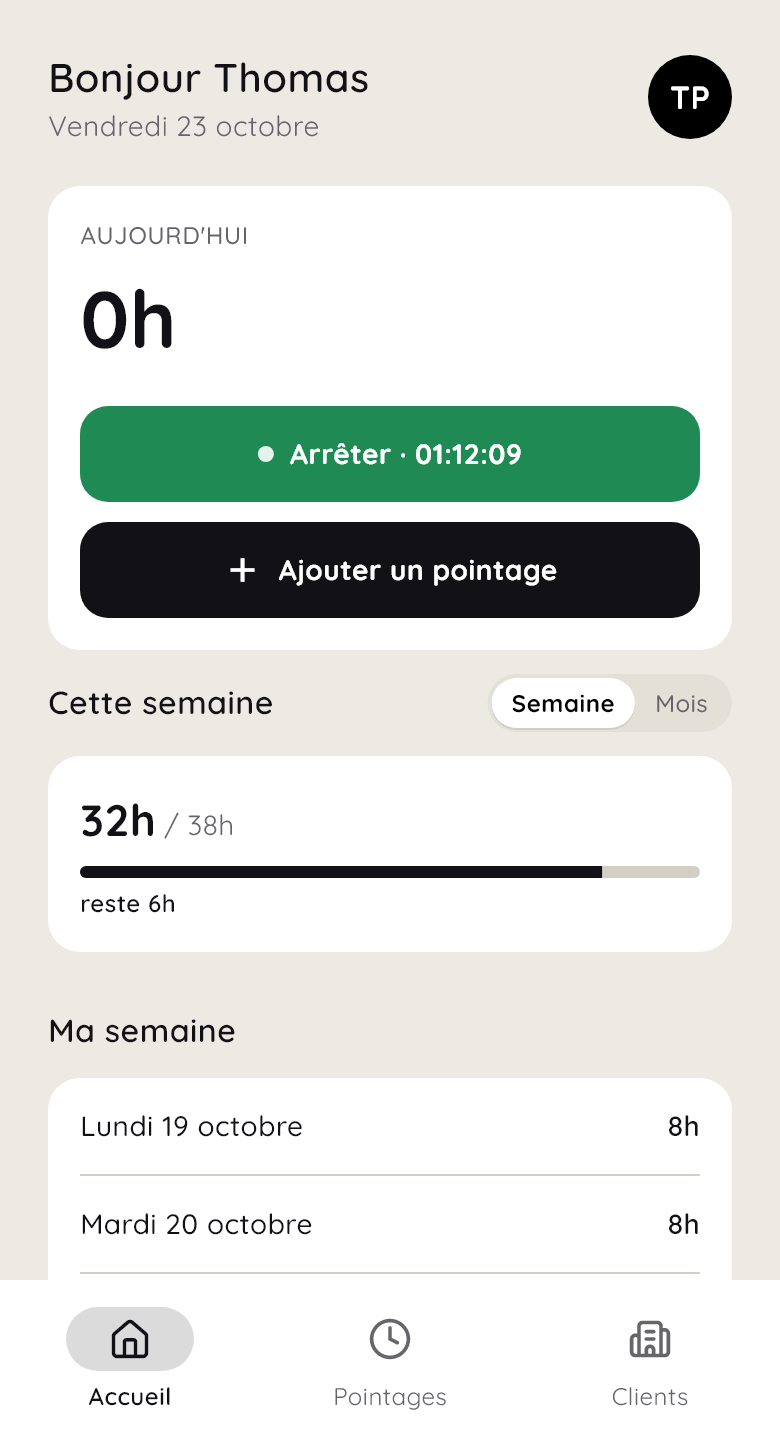
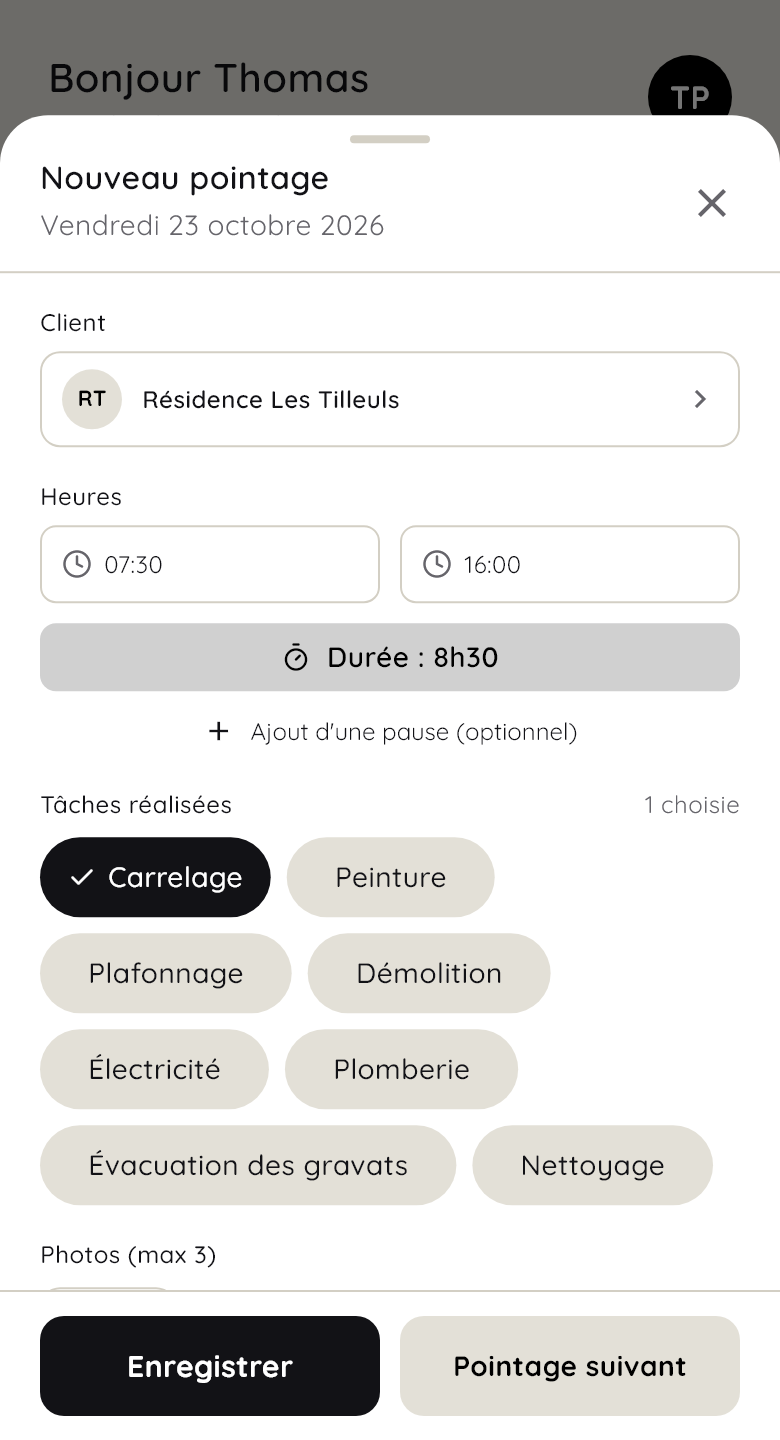
One tap on “Start timer”, or the hours entered at the end of the day. The site comes from your client list, and a break takes one tap to add.
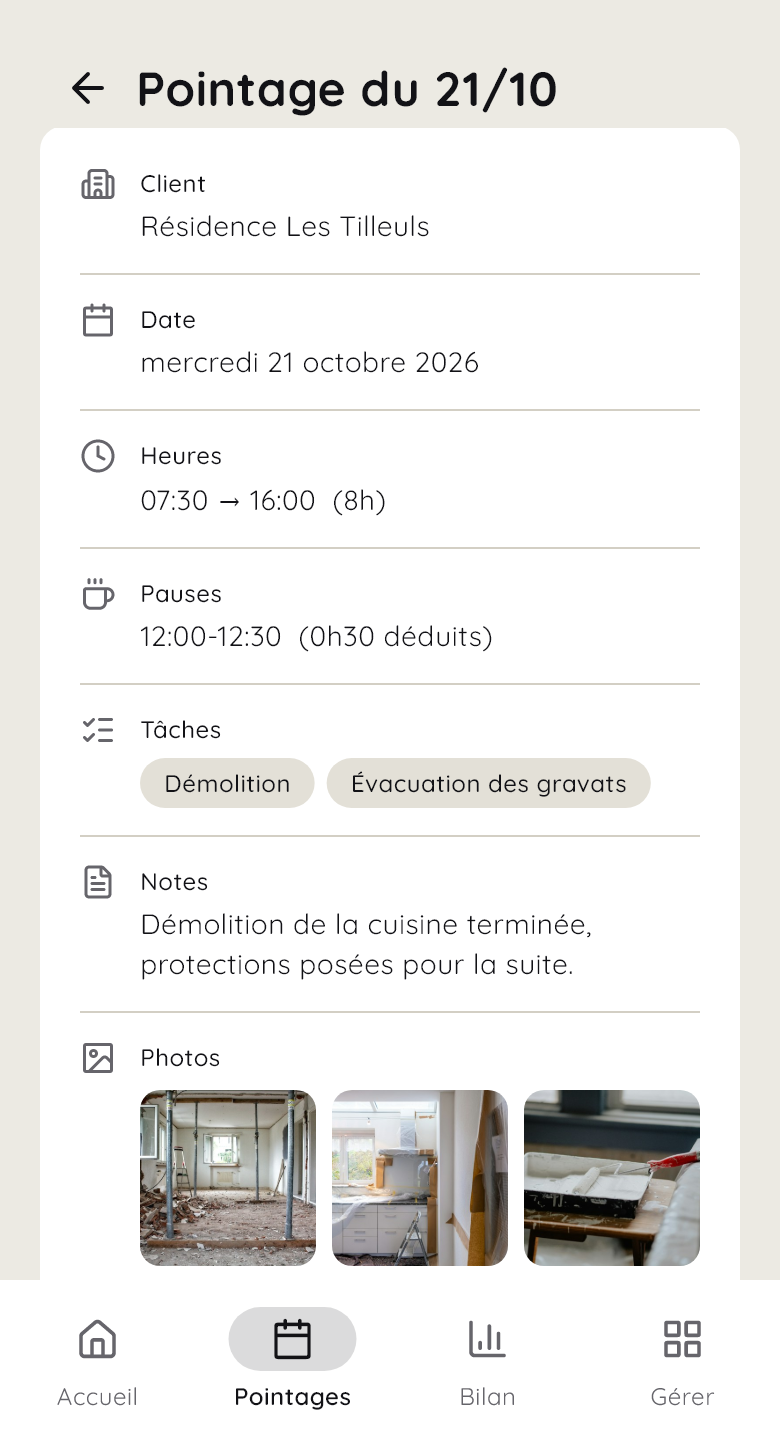
Up to three photos and a note per time entry. You see how the site is progressing without going there.
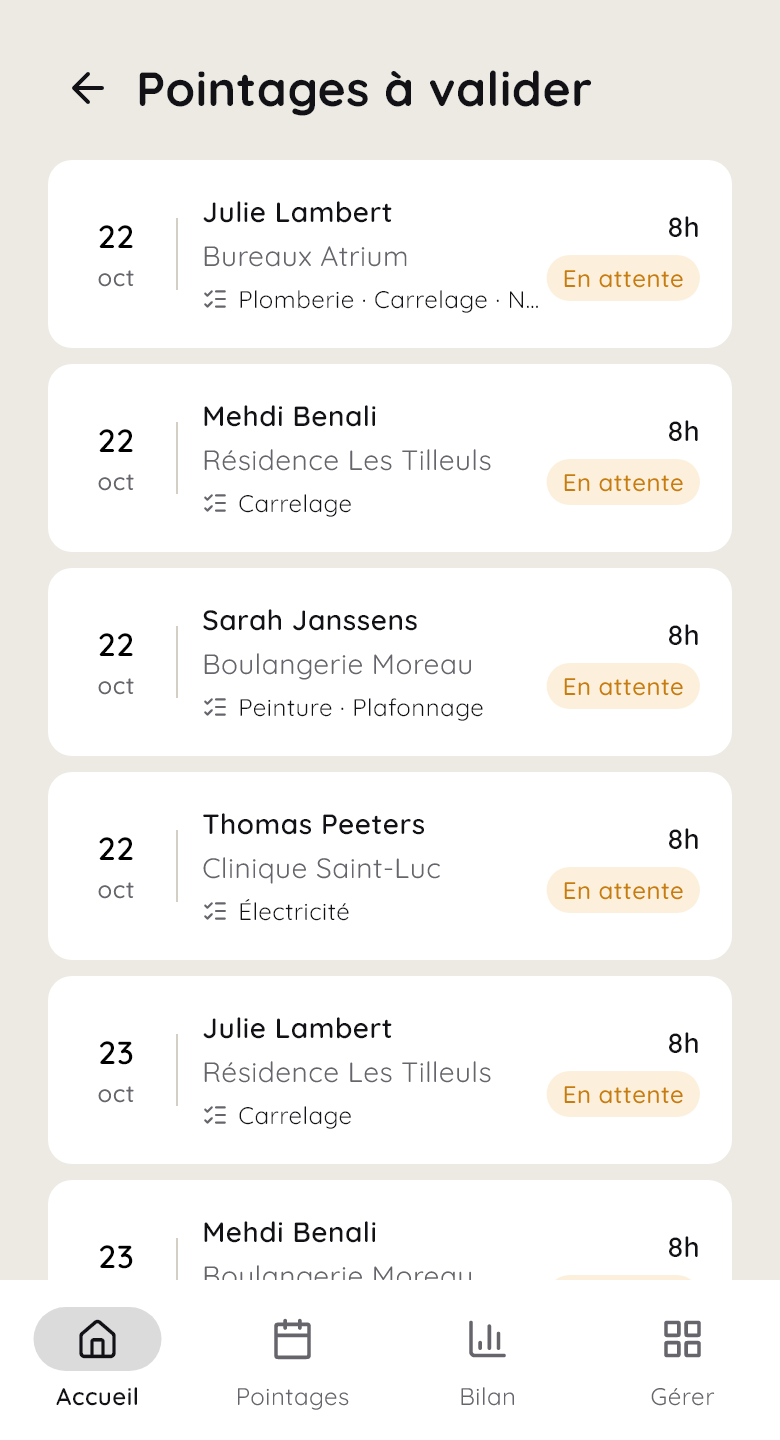
Time entries arrive in your list to approve. Approve, or reject with a reason: the employee corrects it and sends it back.
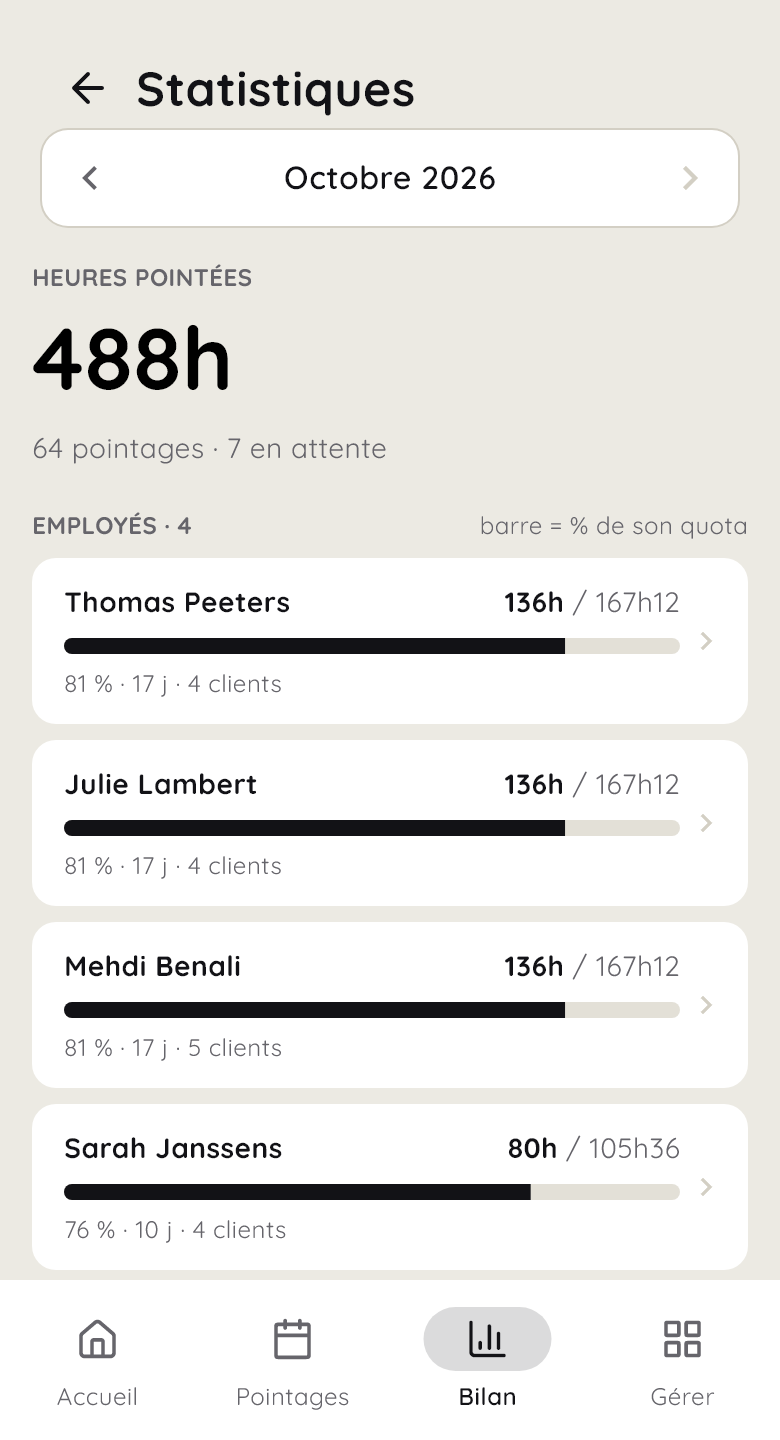
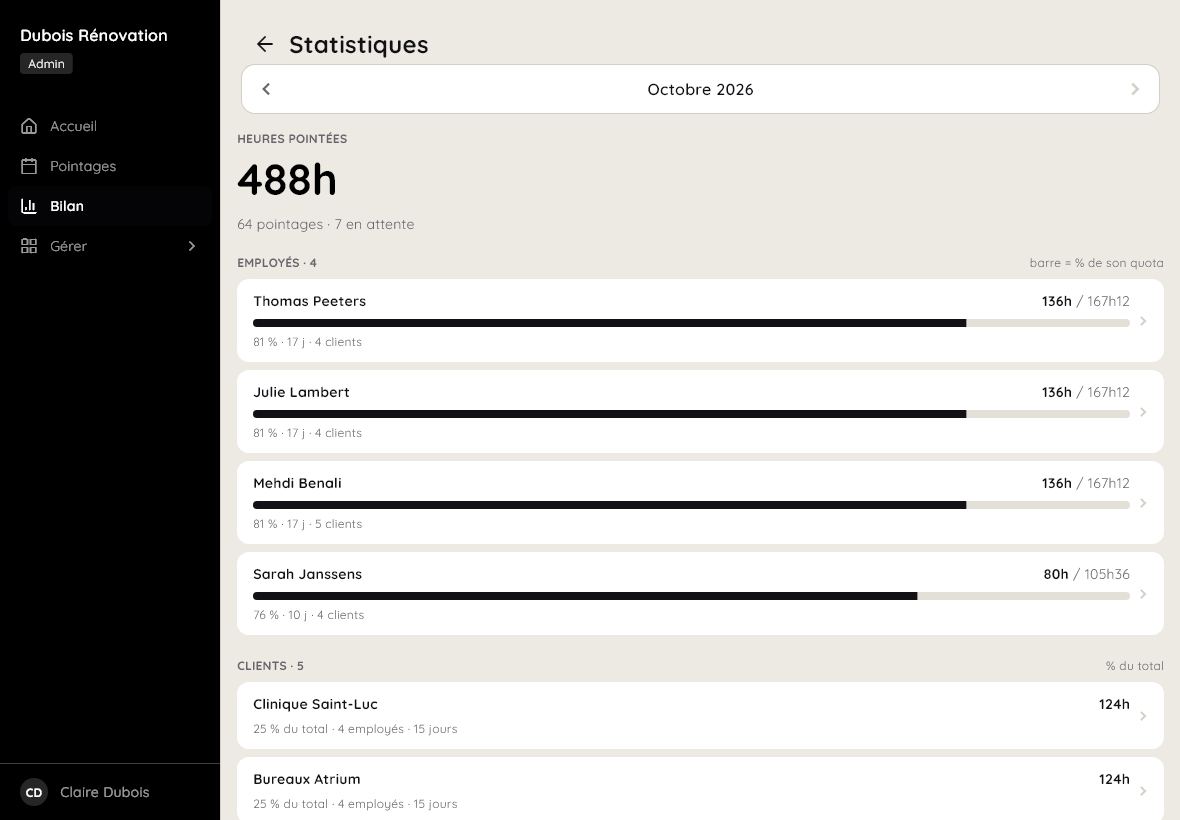
Hours per employee and per client, compared with the planned hours. No more sheets to copy out or sums to redo.
Live demo
Log your visit, the way your employees log their working day. The timer follows you as you read.
On all your screens
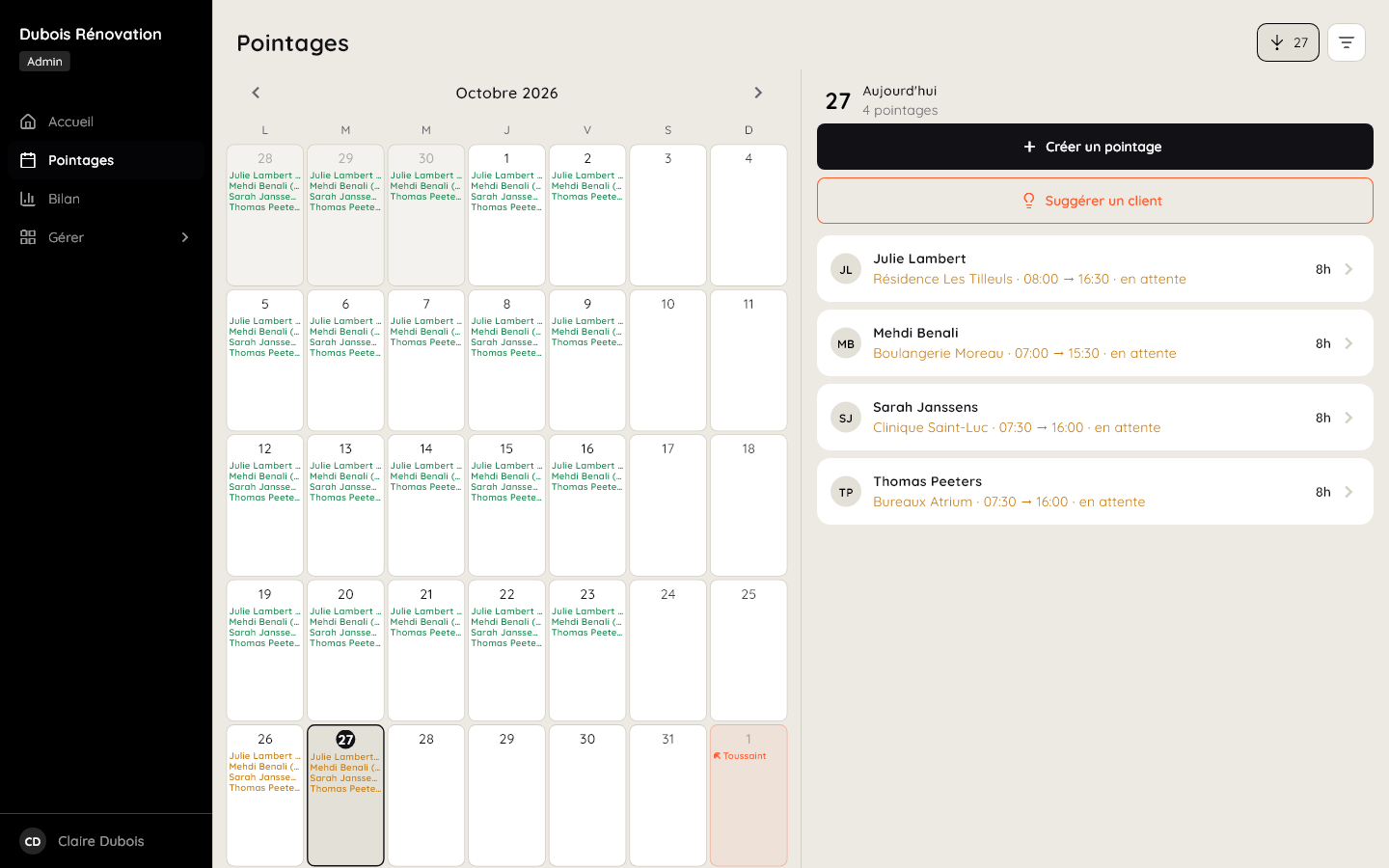
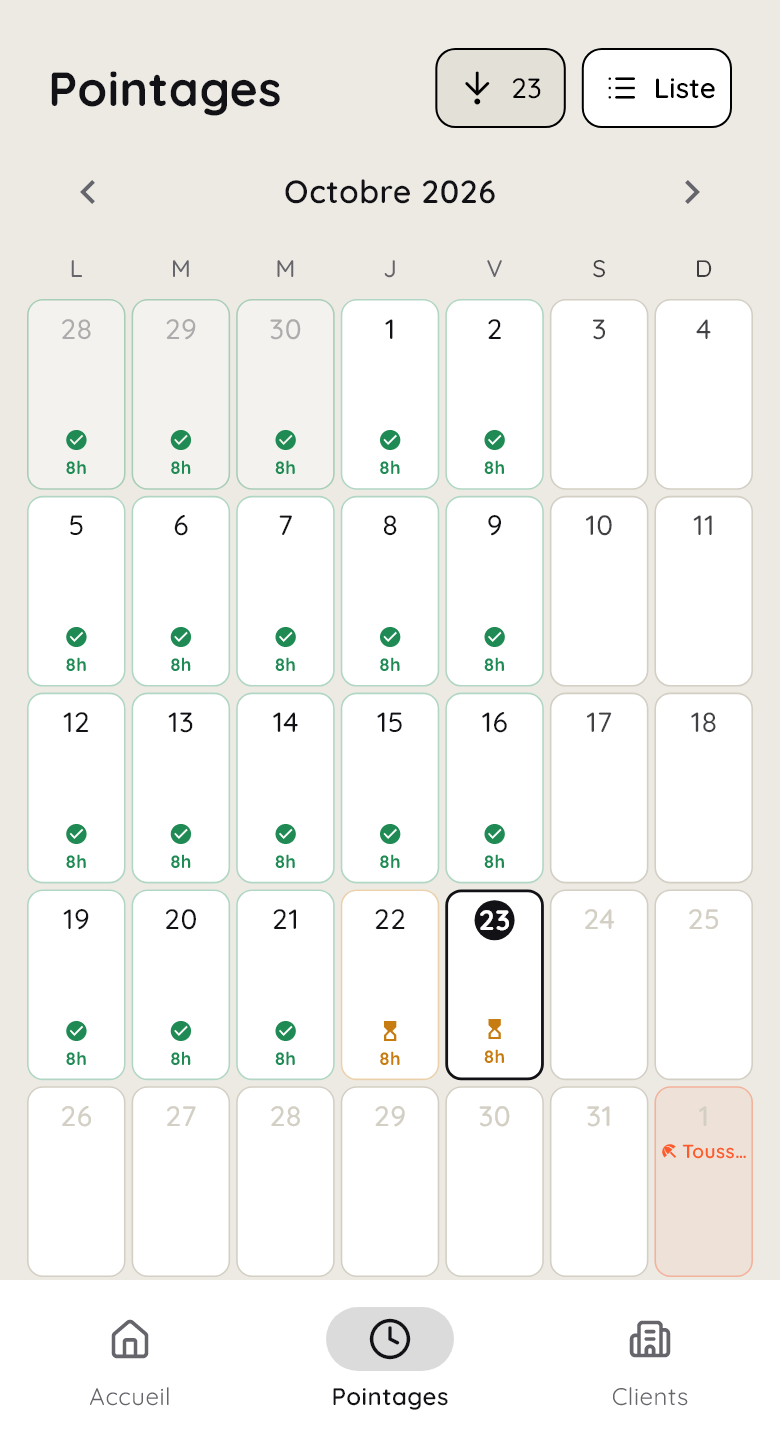
Your employees log their time on their phone, you approve on your computer. Nothing to install: a link is all it takes, and the same account works everywhere.
Logging time in two taps, even offline: it's sent automatically as soon as the connection comes back.
Everyone's hours and every client's, readable at a glance on a bigger screen.
Approve time entries, follow everyone's hours and manage your clients in comfort.
Pricing
Free for the self-employed. €5 per employee, never more than €79/month.
You work alone
Free
forever
1 to 15 employees
€5
per employee per month, excl. VAT
16 to 30 employees
€79
per month, excl. VAT, whatever the number
Another question? Write to us, we'll reply quickly.
The federal government is preparing a requirement to record the working time of every employee, planned for 1 January 2027, with a transition period until 31 March 2027. The text has not been voted on yet and may still change.
It doesn't require a time clock: the employer chooses an objective and reliable system. Pointly records each employee's hours, day by day, with your approval and the history of every change. We are following the text and will adapt Pointly to its final version.
No. Pointly opens in the browser of your phone, tablet or computer. You can add it to the home screen to open it like an app, without going through an app store.
You invite them by email from the app. They open the link, choose their password and can log time straight away.
The app opens anyway, and the time entry is kept on the phone. It's sent automatically as soon as the connection comes back.
Every change is kept in the time entry's history: who made it, when, and what changed. If you reject a time entry, you give a reason; the employee corrects it and sends it back for approval.
Yes: the list of time entries for a period can be exported as a PDF, with the filters you chose (employee, client, status).
Pointly is opening first to 5 companies that work in the field. If yours is chosen, you use it free for 6 months, with the full Team plan and as many employees as you like. We launch Pointly with your team, at your premises or remotely, and you can reach us directly with any question.
In return, your whole team logs time with Pointly, and we review things together three times: after two weeks, at three months and before the end of the 6 months. You tell us what works and what's missing, so that Pointly fits your trade. If you like Pointly, a short testimonial would help us a lot, but you're under no obligation.
Apply with the form at the bottom of the page: we reply personally to every application.
You stay free: with no commitment, you stop whenever you like. If you continue, you keep a 30% discount for life, i.e. €3.50 per employee instead of €5. The end date of the free period is shown in your account, on the Subscription page.
With Google Cloud, via Firebase, encrypted in transit and at rest. Your data stays yours: we don't sell it or use it for advertising.
Pointly free for 6 months, with the full Team plan. We set it up with your team, at your premises or remotely. In return, your team uses it for real and we review things together three times. After that, €3.50 per employee instead of €5, for life, with no commitment.
Thank you, we've received it. We'll get back to you by email very soon.
Working alone? Create your free account · Already registered? Sign in